
Bulk QR Code Generator
Bulk QR Generator – Create 500+ QR Codes from Excel
Use this bulk qr generator to convert every row of your Excel sheet into a QR code in one click. No login, no data storage, 100% free and privacy-friendly.
Use the Bulk QR Generator
This bulk qr generator is designed for teachers, institutes, businesses and event organizers who need hundreds of QR codes in one go. Just upload an Excel sheet and download all QR images together.
-
1
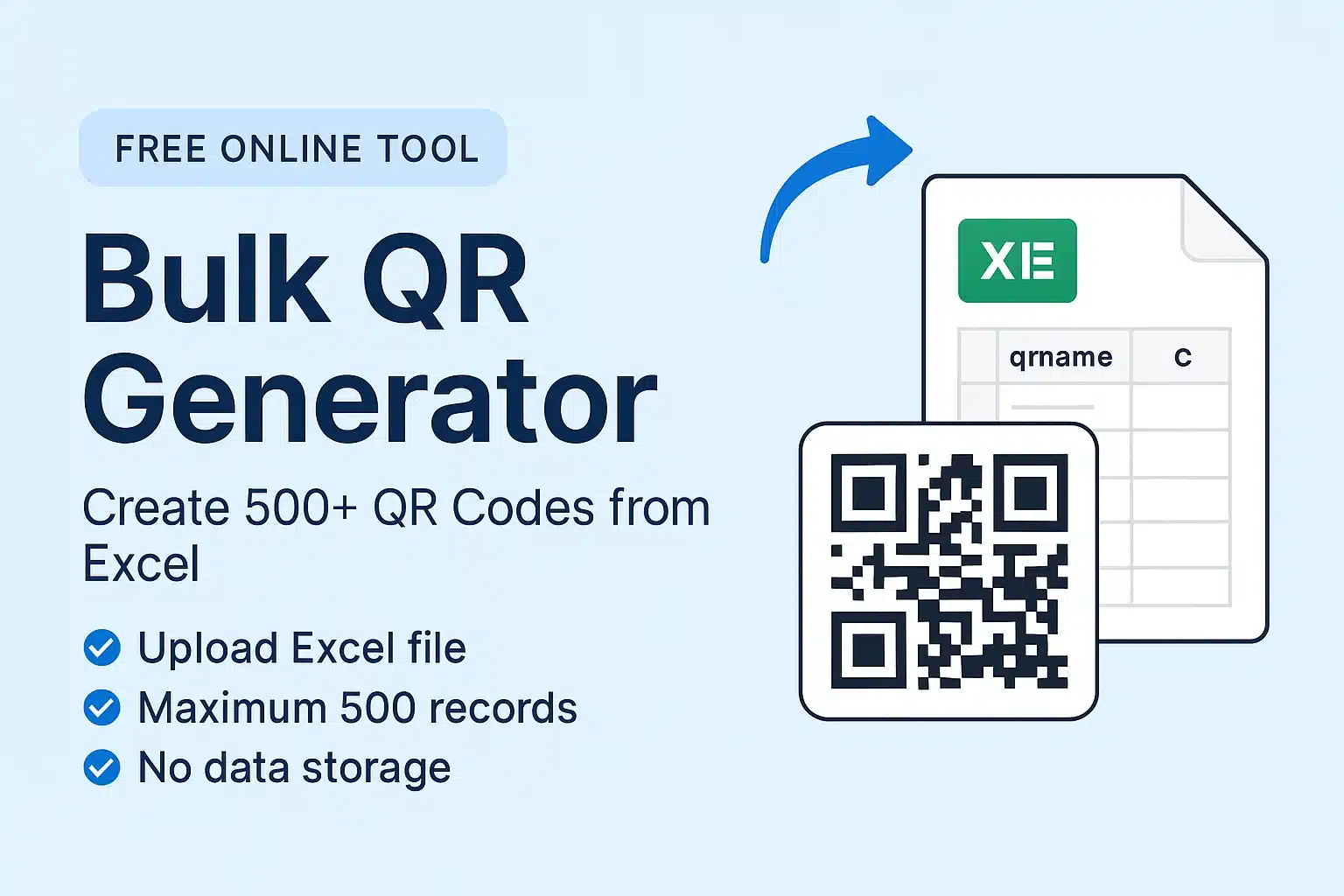
Excel based input: Upload an Excel file where the first column name is
qrname. Every row becomes a QR code. - 2 Up to 500 records: Each file can contain a maximum of 500 rows for smooth and fast generation.
- 3 Privacy first: Your file is processed only for generating QR codes – data is not stored permanently on our server.
- 4 Completely free: No hidden charges, no subscription – use this bulk qr generator as much as you want.
- 5 No login needed: Start generating QR codes instantly without creating an account.
- Create an Excel file. Set the first column header as qrname.
- In the next columns, put the content you want in each QR (URL, text, ID, etc.).
- Keep the total rows within 500 records per file.
- Upload the Excel file in the tool section above.
- Generate and download all QR codes as images in bulk.
More useful tools from QuestionPaperHub
After using the bulk qr generator, you can also try these free online tools:
Bulk QR Generator – FAQ
Find quick answers about how this bulk qr generator works, file limits, privacy and more.
What is a bulk QR generator?
A bulk qr generator allows you to create many QR codes at once from a single Excel file. Instead of generating QR codes one by one, every row in your sheet becomes a separate QR image automatically.
How should I format my Excel file?
The first column header must be qrname.
Each row under qrname will be used as the unique label or content for that QR code.
You can add more columns if your tool supports additional data, but qrname should always be the first field.
How many QR codes can I generate at one time?
You can generate up to 500 QR codes per file. If you have more than 500 records, split your data into multiple Excel files and upload them one by one.
Is my data stored on the server?
No. The tool only uses your file to create QR codes. Your data is not saved permanently, which makes this bulk qr generator suitable for sensitive records like student IDs or internal documents.
Do I need to create an account or log in?
No login is required. You can open the page, upload your Excel file and start generating QR codes immediately.
Is the bulk QR generator really free?
Yes, this tool is 100% free to use. There are no hidden fees, subscriptions or paywalls.
Does it work on mobile and tablet?
Yes. The interface is responsive, so you can use the bulk qr generator from desktop, laptop, tablet or smartphone using any modern browser.
Compare Bulk QR Generator vs Mobile QR Tool
Use this bulk qr generator when you want to create hundreds of QR codes from Excel. For quick single / mobile-friendly QR codes, you can also try the external tool linked here.
| Feature | Bulk QR Generator (This site) | Mobile QR Generator (External) |
|---|---|---|
| Best for | Bulk QR creation from Excel (up to 500 records in one file). | Creating single or a few QR codes quickly on mobile. |
| Input type | Excel file, first column header as qrname. | Manual text / URL input in the form. |
| Number of QR codes | Up to 500 QR codes per upload. | Usually one QR code at a time. |
| Login required | ✔ No login | ✔ No login (as of visit). |
| Data handling | File processed for QR only, not stored permanently on the server. | Data handled by the external website (check their policy before using). |
| Device focus | Works on desktop, laptop and mobile for bulk tasks. | Optimized for quick QR generation on mobile devices. |
| Cost | 100% free to use. | Free online tool (subject to change by the external site). |