
Improve Your Hindi Typing Speed with Our Free Hindi Typing Test Tool
If you are preparing for competitive exams or want to improve your typing skills, this hindi typing test tool is designed just for you. It helps you practice typing in Hindi using both traditional keyboard layouts and beginner-friendly input methods.
Whether you are a student, job aspirant, or office user, regular practice with our tool will boost your typing speed and accuracy.
हिंदी टाइपिंग टेस्ट
Remington Gail (Mangal Unicode) • Professional Hindi Typing Practice
⌨️ Typing Input Mode चुनें
(Remington Gail / Inscript)
सरकारी परीक्षाओं के लिए
bharat → भारत
Automatically Hindi बनेगा
🔤 Font Select करें
⏱️ समय चुनें
📚 Topic और Passage चुनें
⚙️ Options
❌ Error Analysis
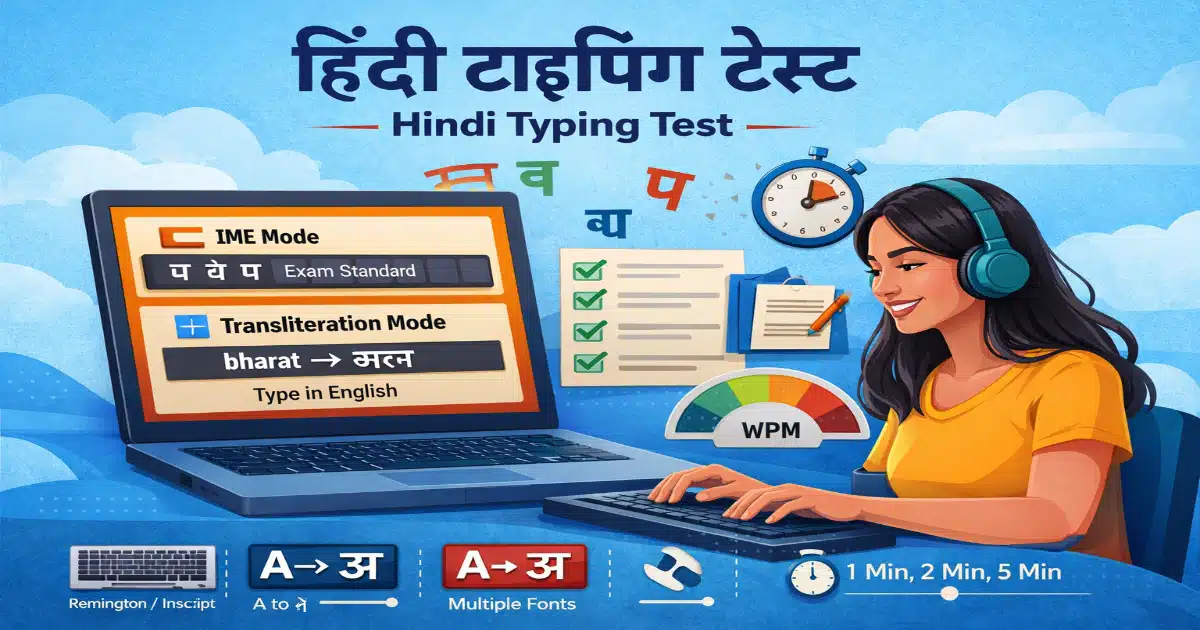
Practice Hindi typing test online with IME and transliteration modes
⚡ Why Use This Hindi Typing Test?
Typing in Hindi is essential for many government exams like SSC, रेलवे, and state-level jobs. Our platform provides a real exam-like environment so you can prepare confidently.
With simple UI and multiple typing modes, this tool is suitable for both beginners and advanced users.
🚀 Features of Hindi Typing Test
🔹 1. Dual Typing Input Modes
✅ IME Mode (Exam Standard)
- Supports Windows Hindi Keyboard
- Layouts: Remington Gail / Inscript
- Perfect for सरकारी परीक्षाओं के लिए
- Follows real exam typing pattern ✔
✅ Transliteration Mode (Beginner Friendly)
- Type in English → Automatically converts to Hindi
- Example: bharat → भारत
- No need to learn keyboard layout
- Ideal for beginners ✔
🎨 2. Multiple Font Selection (5 Types)
Choose from 5 different Hindi fonts to practice typing in different styles. This helps you get comfortable with various exam and real-world formats.
⏱ 3. Time-Based Typing Test
- Select different time durations (1 min, 2 min, 5 min, etc.)
- Practice under real exam pressure
- Improve speed with timed sessions
📚 4. Default Practice Topics (10 Sets)
- Preloaded Hindi typing passages
- Covers multiple categories
- Helps improve reading + typing skills together
📊 5. Real-Time Result & Performance
- Instant typing speed (WPM)
- Accuracy calculation
- Mistake tracking system
🧩 6. Clean & Easy Interface
- No distraction UI
- Smooth typing experience
- Works on desktop & mobile
❓ FAQ (Frequently Asked Questions)
Q1. What is a Hindi typing test?
A hindi typing test is an online tool that helps you practice typing in Hindi and measure your speed and accuracy.
Q2. Which mode is best for government exams?
IME Mode (Remington Gail / Inscript) is best because it follows the official exam pattern.
Q3. Is transliteration mode good for beginners?
Yes, transliteration is perfect for beginners because you can type in English and it automatically converts into Hindi.
Q4. Can I improve my typing speed with this tool?
Absolutely. Regular practice using this hindi typing test will increase both speed and accuracy.
Q5. Is this Hindi typing test free?
Yes, this tool is completely free to use.
Q6. Do I need to install any software?
No, you can use this hindi typing test directly from your browser without installing anything.